
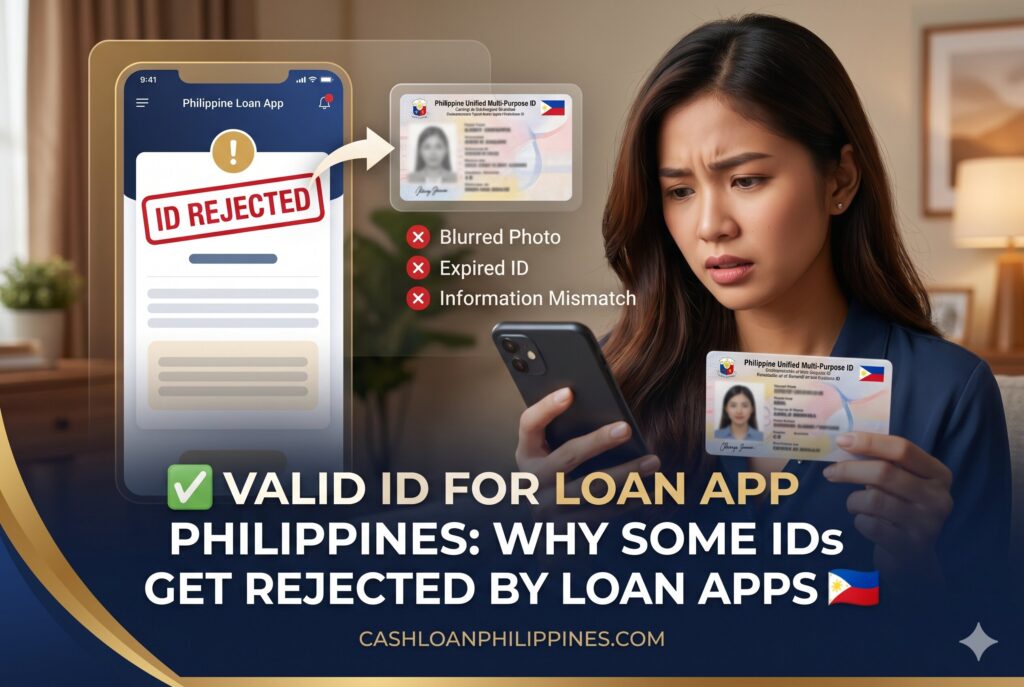
Applying for a digital loan in the Philippines often looks simple until the identity verification stage suddenly fails. Many borrowers upload a government ID, complete a selfie scan, and still receive an “invalid document” or “verification unsuccessful” notice. In most cases, the issue is not the loan amount or income level – it is the quality, format, or validity of the ID submitted.
Loan apps now use automated KYC systems, OCR scanners, facial recognition tools, and fraud-detection filters that evaluate IDs in seconds. Even a legitimate ID can be rejected if the image is blurry, cropped, expired, damaged, or inconsistent with the applicant’s profile.
Summary:
A valid id for loan app philippines applications usually includes government-issued IDs such as the PhilSys ID, UMID, passport, driver’s license, PRC ID, and postal ID. Loan apps reject IDs when OCR systems cannot read details clearly, when the document is expired, when selfie verification fails, or when uploaded images appear cropped, edited, or inconsistent. Many Philippine lending apps follow BSP-aligned KYC practices using automated identity verification systems. Borrowers improve approval chances by preparing high-resolution ID photos, matching personal information exactly, avoiding damaged cards, and ensuring selfie scans closely resemble the ID image.
Why Loan Apps in the Philippines Require Strict ID Verification
Digital lenders operating in the Philippines are required to perform customer identity checks before releasing funds. This process is part of KYC (Know Your Customer) compliance and fraud prevention practices commonly adopted across fintech platforms, e-wallets, and online lending systems.
Modern lending apps no longer rely only on human review teams. Many now use:
- OCR reading systems
- AI-based selfie verification
- Facial similarity matching
- Document authenticity checks
- Duplicate account detection
- Expired ID screening
- Metadata and image quality detection
These systems analyze uploaded IDs within seconds. If the platform cannot confidently verify identity authenticity, the application may automatically fail before manual review even begins.
Borrowers searching for the complete loan app requirements often focus only on income documents. However, ID verification is frequently the first approval barrier.
Accepted Government IDs for Philippine Loan Apps 📱
Different lenders maintain different acceptance policies, but several government-issued IDs are widely recognized across major Philippine lending platforms.
Commonly Accepted IDs
| ID Type | Usually Accepted | Common Verification Notes |
|---|---|---|
| PhilSys ID | Yes | Must show clear QR code and readable details |
| UMID | Yes | Damage or fading often causes OCR failures |
| Driver’s License | Yes | Front image must be glare-free |
| Passport | Yes | Bio page only |
| PRC ID | Yes | Name must match application exactly |
| Postal ID | Often | Some apps reject older versions |
| Voter’s ID | Limited | Acceptance declining |
| SSS ID | Sometimes | Depends on app policy |
| Senior Citizen ID | Rarely | Usually not primary ID |
| Company ID | Limited | Often requires secondary ID |
Why PhilSys ID Is Becoming More Common
The PhilSys ID has become one of the most accepted IDs because it contains standardized identity fields and security features compatible with digital verification systems.
Many fintech platforms prefer PhilSys because:
- Information layout is consistent
- OCR scanners can extract text more reliably
- QR-based verification reduces fraud risk
- Facial matching performs better on standardized ID photos
However, temporary paper slips may still face rejection depending on the lender’s internal policy.
UMID Acceptance Depends on Physical Condition
The UMID remains widely accepted, especially among employed borrowers connected to SSS, GSIS, or Pag-IBIG records.
Still, damaged UMIDs commonly trigger:
- unreadable text detection
- glare issues
- faded photograph mismatches
- scratched laminate problems
A borrower may own a legitimate UMID yet still fail verification if automated systems cannot process the image correctly.
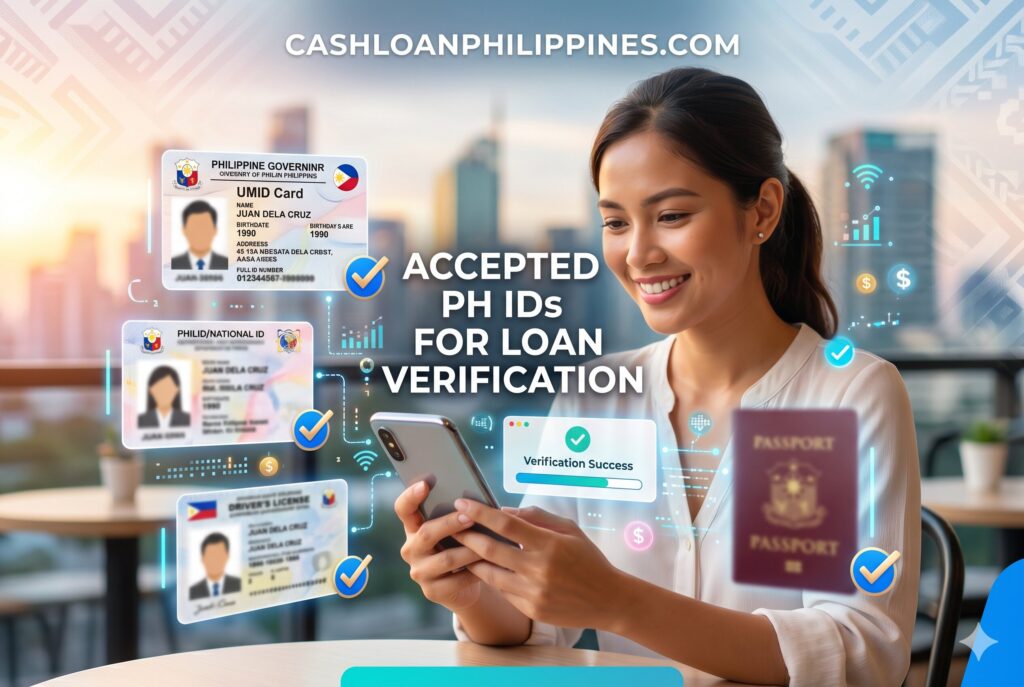
Accepted Philippine Government IDs for Loan App Verification
Why Legitimate IDs Still Get Rejected 🚫
Many applicants assume rejection means the ID itself is fake. In reality, automated verification systems reject documents for multiple technical reasons.
OCR Reading Failure
OCR (Optical Character Recognition) systems extract:
- full name
- birthdate
- address
- ID number
- expiration date
If the uploaded image is:
- blurry
- shadowed
- tilted
- cropped
- overexposed
…the system may fail to read critical fields.
This frequently happens when borrowers:
- use low-light rooms
- take photos with cracked phone cameras
- upload screenshots instead of original images
- compress files through messaging apps
Selfie Verification Mismatch
Most lending apps now require a live selfie scan after ID upload.
These systems compare:
- facial geometry
- eye positioning
- nose proportions
- facial symmetry
- skin texture patterns
Borrowers often fail verification because:
- the selfie is too dark
- face masks remain partially visible
- hats or eyeglasses block features
- the ID photo is extremely old
- beauty filters alter appearance
This explains why some users researching selfie verification problems encounter repeated failures despite using authentic IDs.
Expired ID Screening
Many apps automatically reject expired documents without manual review.
An expired:
- passport
- driver’s license
- PRC ID
- postal ID
…may instantly trigger a failed KYC status.
Some smaller lenders occasionally allow recently expired IDs during manual review, but most automated systems are stricter today because of fraud monitoring standards.
Name Mismatch Flags
Identity mismatch detection has become more sensitive across Philippine fintech systems.
Common mismatch triggers include:
- missing middle name
- typographical errors
- maiden vs married surname inconsistencies
- nickname usage
- inconsistent suffixes (Jr., Sr., III)
Even minor spelling differences between:
- ID
- loan application
- e-wallet account
- bank account
…can trigger automated fraud suspicion.
Temporary National ID: Can It Work?
One of the most searched questions among borrowers involves temporary PhilSys slips.
Some Apps Accept It – Others Do Not
Temporary PhilSys paper documents may work if:
- the QR code is readable
- the print quality remains intact
- the app supports PhilSys-based verification
- the applicant passes selfie authentication
However, several lenders still prioritize:
- physical PhilSys cards
- passports
- driver’s licenses
This inconsistency exists because fintech systems integrate different verification vendors and OCR technologies.
Why Paper IDs Often Fail
Paper-based temporary IDs are more vulnerable to:
- folds
- shadows
- blurred text
- low camera focus
- print fading
Automated scanners struggle with wrinkled surfaces and uneven lighting conditions.
Borrowers using temporary documents should:
- Place the paper on a flat dark surface
- Use natural lighting
- Avoid flash glare
- Capture full edges clearly
- Upload the original camera image
Are Digital Copies Accepted by Loan Apps?
In most cases, lending apps require:
- direct camera capture
- original photo upload
- live verification
Screenshots, photocopies, and edited images are usually rejected.
Why Screenshots Get Flagged
Fraud detection systems analyze:
- image metadata
- compression patterns
- screen pixel structures
- editing traces
Screenshots often fail because:
- resolution decreases
- borders get cropped
- reflections distort readability
- metadata appears altered
Some Apps Allow Digital National IDs
A few platforms now support digital identity integration tied to:
- PhilSys systems
- e-wallet identity databases
- verified government-linked records
Still, acceptance remains inconsistent across the industry.
Borrowers should always prepare:
- the physical ID
- a clean selfie environment
- stable internet connection
- updated contact information
Most Common Photo Upload Mistakes 📸
Poor image quality remains one of the biggest reasons applications get rejected.
Cropped ID Images
Applicants sometimes accidentally cut off:
- corners
- expiration dates
- QR codes
- signatures
Even partial cropping can invalidate the submission.
Flash Reflection Problems
Glossy IDs such as:
- driver’s licenses
- UMIDs
- PRC IDs
…often produce glare under direct flash.
OCR systems may fail when:
- text becomes reflective
- photos appear washed out
- holograms overpower details
Dirty Camera Lenses
A simple but overlooked issue:
- fingerprints on phone cameras
Smudged lenses create blurry uploads even when the applicant thinks the image looks acceptable.
Low-Resolution Front Cameras
Some older smartphones struggle with:
- autofocus
- low-light processing
- document edge clarity
Borrowers should use the rear camera whenever possible.
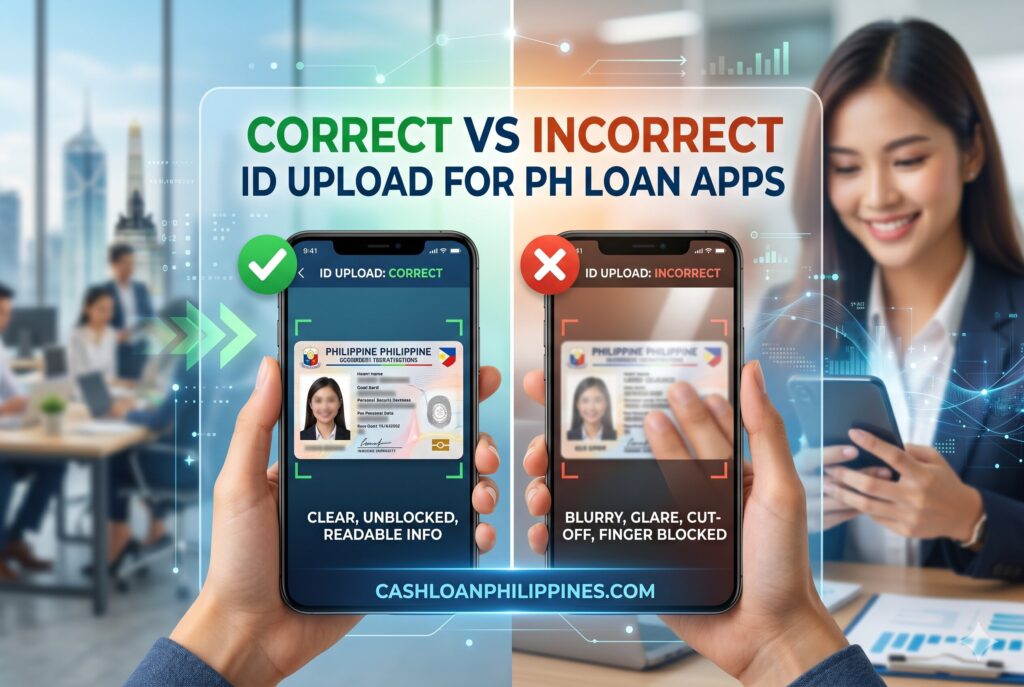
Correct vs Incorrect ID Upload Examples for Philippine Loan Apps
How Loan Apps Analyze ID Authenticity 🔍
Modern digital lenders use layered fraud prevention tools that extend beyond visual inspection.
Automated Authenticity Detection
Verification systems check:
- font consistency
- spacing alignment
- template matching
- hologram positioning
- barcode or QR functionality
If the uploaded ID format differs from expected government standards, the application may be flagged automatically.
Duplicate Identity Monitoring
Fintech platforms increasingly detect:
- repeated device usage
- multiple applications under one ID
- shared selfie patterns
- recycled document uploads
This prevents:
- identity theft
- synthetic identities
- account farming
- loan stacking abuse
Device and Behavioral Risk Signals
Many systems also evaluate:
- typing behavior
- GPS consistency
- IP location patterns
- rooted devices
- emulator usage
An ID may technically pass OCR checks but still fail broader fraud scoring.
Which Borrowers Experience More Verification Problems?
Identity verification challenges are not evenly distributed.
Freelancers and Gig Workers
Freelancers often encounter mismatches because:
- billing addresses differ
- IDs show old addresses
- income channels vary
- e-wallet names differ from IDs
Ride-hailing drivers, delivery workers, and online sellers commonly use multiple digital accounts, increasing mismatch risks.
Newly Married Applicants
Surname changes frequently create:
- bank mismatches
- e-wallet inconsistencies
- selfie verification confusion
Borrowers should update supporting financial accounts before applying.
Applicants Using Old IDs
Old ID photos can create facial mismatch problems when:
- weight changes significantly
- aging becomes noticeable
- hairstyle changes drastically
This issue affects long-validity IDs such as passports and UMIDs.
Quick Checklist Before Uploading Your ID ✔️
Use this checklist before applying:
ID Preparation
- Ensure the ID is not expired
- Clean the surface
- Avoid cracked or damaged cards
- Verify all text remains readable
Photo Capture
- Use natural lighting
- Avoid shadows
- Keep all corners visible
- Do not use filters
- Use the rear camera if possible
Application Consistency
- Match names exactly
- Use the same mobile number across accounts
- Ensure bank and e-wallet details match the ID
- Double-check birthdate formatting
Selfie Scan Preparation
- Remove hats and masks
- Avoid beauty filters
- Face the camera directly
- Stay in a bright room
Many borrowers researching reasons applications get rejected later realize the issue started during ID verification rather than financial eligibility.
Can Expired IDs Ever Work?
Some borrowers report successful approvals using recently expired IDs. However, these cases usually involve:
- manual review
- existing borrower accounts
- secondary identity verification
- supplemental documents
Automated onboarding systems increasingly reject expired IDs immediately.
For higher approval stability, borrowers should prioritize:
- Active government-issued IDs
- Updated personal records
- Consistent digital identity profiles
What Happens After Your ID Gets Rejected?
A failed verification does not always mean permanent denial.
Some Apps Allow Resubmission
Borrowers may receive another upload attempt after:
- improving image clarity
- correcting mismatched information
- retaking selfie scans
Repeated Failures Increase Risk Scores
Multiple failed attempts within short periods may trigger:
- fraud suspicion
- temporary lockouts
- manual review queues
Avoid repeatedly uploading random versions of the same blurry document.
When Manual Review Happens
Human reviewers sometimes intervene when:
- OCR partially succeeds
- data inconsistencies appear minor
- documents seem authentic but unreadable
Manual review usually takes longer than instant approval workflows.
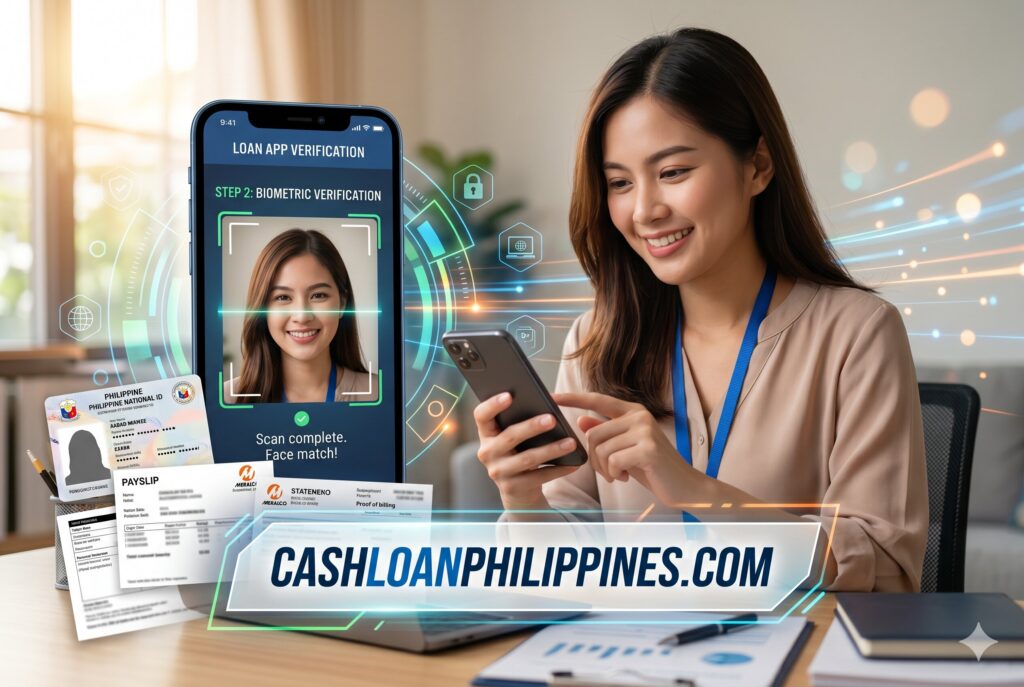
Loan App Selfie Verification and OCR Checking Process
FAQs About Valid IDs for Loan Apps in the Philippines
Can I use a temporary national ID?
Sometimes. Some lenders accept temporary PhilSys slips if the QR code and details remain readable. Others require a physical government-issued card.
Are digital copies accepted?
Usually no. Most apps require direct camera capture or original image uploads instead of screenshots or edited copies.
Why was my ID flagged as invalid?
Common causes include:
- blurry images
- expired IDs
- cropped uploads
- selfie mismatch
- unreadable text
- inconsistent personal information
Can expired IDs still work?
Rarely. Some lenders allow manual review, but most automated systems reject expired documents immediately.
Is a company ID enough for loan approval?
Usually not. Many lenders require at least one government-issued primary ID.
Why does selfie verification fail even with a valid ID?
Facial recognition systems may fail due to poor lighting, filters, old ID photos, or partial facial obstruction.
Practical Preparation Tips Before Applying 💡
Borrowers improve approval chances when they prepare identity documents before opening the loan app.
Best practices include:
- updating expired IDs first
- standardizing personal information across accounts
- using stable internet during verification
- checking camera quality beforehand
- avoiding rushed nighttime submissions
Applicants using damaged IDs should consider replacing them before applying rather than risking repeated rejection cycles.
This preparation matters because many fintech lenders now rely heavily on automated onboarding systems where document quality directly affects approval flow speed.
Conclusion
A valid ID alone does not guarantee successful verification in Philippine loan apps. Modern lending systems evaluate document quality, OCR readability, selfie consistency, authenticity markers, and profile matching before approving borrowers.
Many rejected applications stem from avoidable issues such as blurry uploads, cropped images, expired IDs, or inconsistent account information. Preparing a clean, readable, government-issued ID and following proper upload practices significantly reduces verification failures.
Responsible borrowing also means preparing identity documents carefully before applying. Taking a few extra minutes to improve image quality and verify account consistency can prevent delays, repeated rejections, and unnecessary application risk.
Last Updated on September 7, 2026 by Maria Santos
